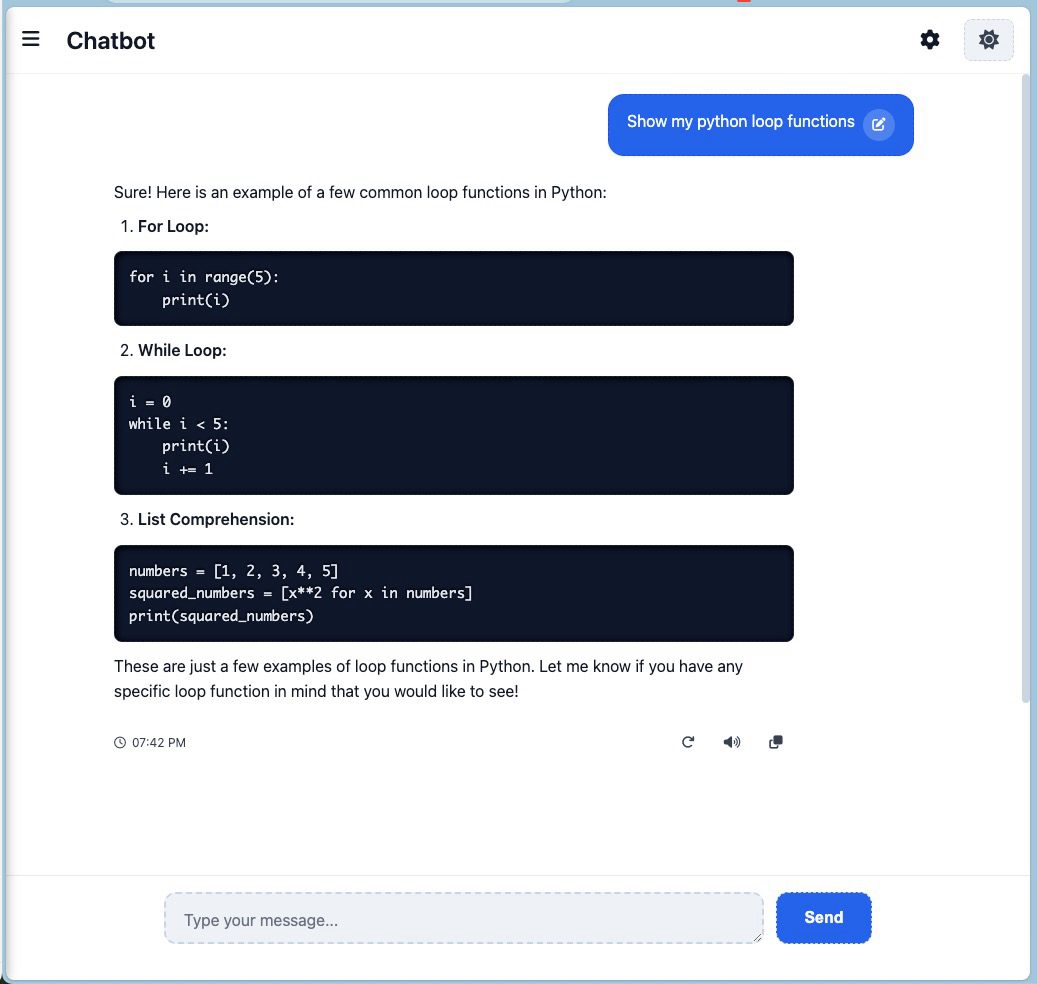
Chat Assistant Box
A fast, modern AI chat interface with streaming replies, markdown + code
highlighting, a dark/light theme, and a Cloudflare Worker backend that talks to a
lineup of fast "Flash-tier" models across providers. Vanilla JS, no frontend build step,
PWA on Android.
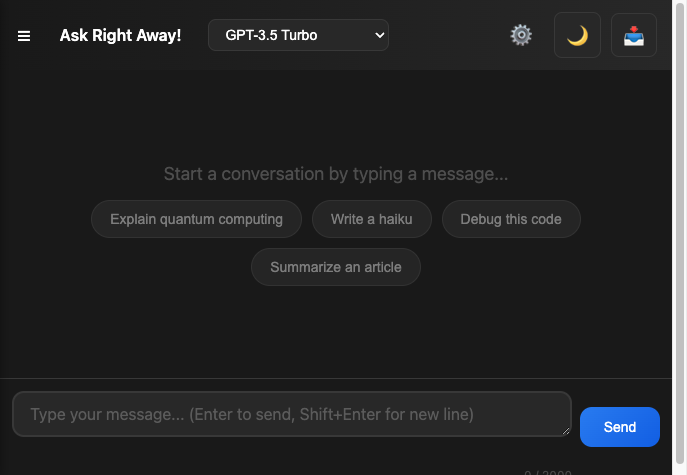
Live
Models
Streaming responses across OpenAI-compatible providers — pick from the model selector:
| Model | Provider |
|---|
| GPT-4o Mini (default) | OpenAI |
| Gemini 2.5 Flash | Google |
| DeepSeek V4 Flash | DeepSeek |
| Qwen Flash | Alibaba (DashScope) |
| GLM 4.6 | Z.ai |
A model whose server-side key isn't configured is hidden/disabled automatically. Bring
your own key for any provider to call it directly from the browser.
Features
- Streaming chat – Tokens render progressively as the model generates them
- Multi-provider – Fast Flash-tier models across OpenAI, Google, DeepSeek, Qwen, GLM
- Markdown & code – Replies rendered with
marked.js + Prism.js highlighting and copy buttons
- Instant write – The input is focused and typeable before any network call
- Drafts per conversation – Inputs auto-saved locally per chat
- Quick replies – Suggested follow-up prompts ("Explain simpler", "Give examples", …)
- Message edit & resend – Edit any user message and regenerate from that point
- Regenerate / stop – Regenerate the last reply or cancel mid-stream (partial text kept)
- Read aloud – Listen to any reply via the Web Speech API
- Conversation management – Rename, pin, delete, search via the sidebar
- Export & import – Download chat history (JSON/TXT/MD) and restore backups
- Custom API key – Use your own provider key; it stays on-device, never sent to our server
- PWA-ready – Manifest + service worker + install prompt; offline app shell
- Accessibility – ARIA labels/roles, keyboard support (Escape clears input)
Setup
-
Clone and install
git clone https://github.com/jovylle/chat.git
cd chat
npm install
-
Provider API keys — set the ones you want enabled (see .env.example).
Locally: a .dev.vars file (gitignored). In production:
wrangler secret put <NAME>.
| Variable | Provider |
|---|
MY_OPENAI_API | OpenAI |
MY_GEMINI_API | Google Gemini |
MY_DEEPSEEK_API | DeepSeek |
MY_QWEN_API | Qwen / DashScope |
MY_GLM_API | GLM / Z.ai |
SESSION_SECRET | HMAC pepper for accounts/sessions |
-
Run locally (Wrangler)
npm run dev # wrangler dev → http://localhost:8787
-
Deploy — npm run deploy (wrangler deploy) uploads the Worker + static assets.
First time: wrangler d1 create chat-assistant-box (paste database_id into
wrangler.jsonc), wrangler secret put … for each key, then
npm run db:migrate:remote. Point chat.uft1.com at the Worker (Custom Domain).
Using your own key
Open the gear icon → Use Your Own API Key, pick a provider, and paste your key. The
browser then calls that provider directly (OpenAI-compatible /chat/completions), and
the key stays in localStorage — our Worker proxy never sees it. Clear all data in
settings to rotate it.
Cost / abuse notes
There is no per-request rate limiter by design. The real safety net is a spend cap
set in each provider's own dashboard (your keys, your limits). The Worker applies
only a generous input-size guard against obviously abusive payloads.
Android app (AAB for Google Play)
The app is a PWA packaged as an Android TWA. Live URL for PWA Builder /
Bubblewrap: https://chat.uft1.com. Package ID: com.uft1.chat.twa (matches
public/.well-known/assetlinks.json). Signed AABs live in releases/. Because the TWA
just loads the live site, a new AAB is only needed for manifest/package changes — not
for frontend/backend updates.
Project structure
public/index.html – Static SPA + all inline CSS/JS + the MODELS registryworker/index.js – Worker entrypoint + /api/* router (static via ASSETS.fetch)worker/chat.js – streaming proxy (PROVIDERS + MODELS registries, fetch + tee())wrangler.jsonc – Worker config (static assets, D1/R2 bindings, migrations dir)public/_headers / public/_redirects – security/cache headers, redirect notesmigrations/ – D1 SQL migrations (accounts/conversations, Phase 2+)AGENTS.md / CONTRIBUTING.md / CHANGELOG.md – docs
License
MIT · jovylle