name: hermes-opencode-acp
description: OpenCode ACP provider for Hermes Agent — use OpenCode as a coding agent backend
hermes-opencode-acp
🌐 Landing page: hermes-opencode-acp.uft1.com — static, hosted on Cloudflare Pages (free). Updates when site/index.html changes: wrangler pages deploy site --project-name hermes-opencode-acp.

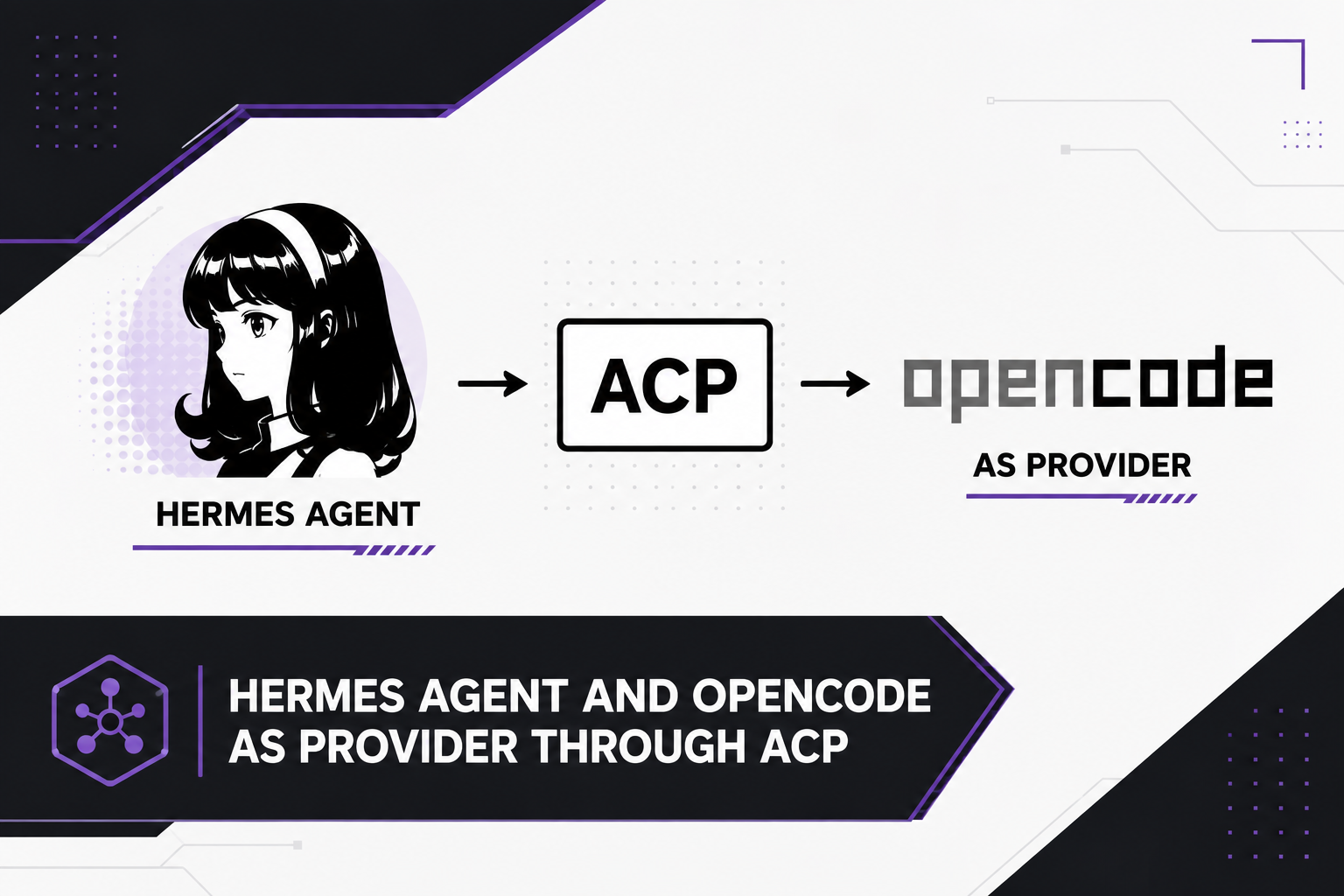
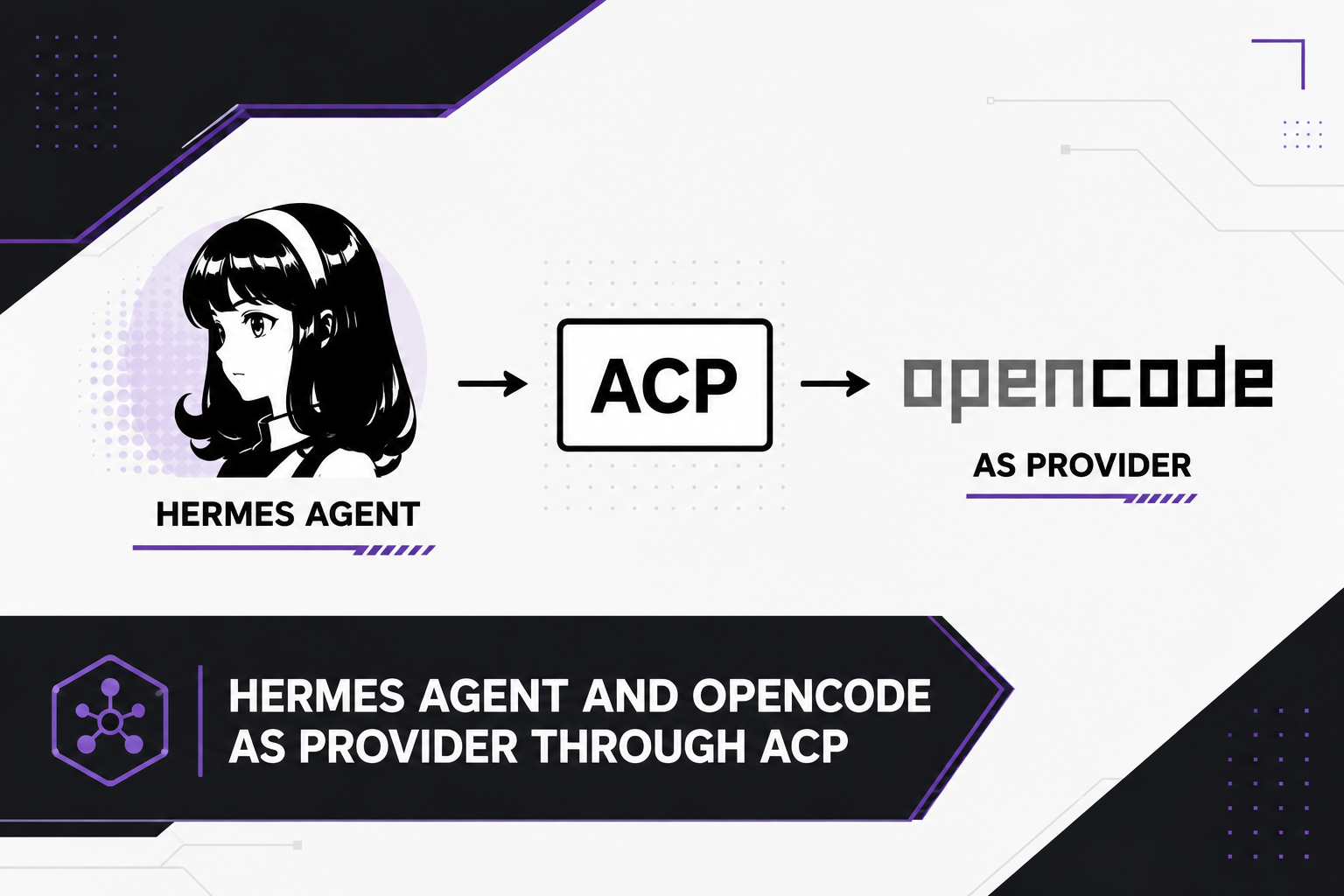
Use OpenCode as a coding agent backend for Hermes Agent via the Agent Client Protocol (ACP).
Connects Hermes to OpenCode via JSON-RPC over stdio. OpenCode handles model selection, tool use, and plugin fallbacks — Hermes drives the ACP wire.
✅ Stable / daily driver — In active daily use on Hermes Agent (macOS,
Hermes 0.21.x, opencode 1.18.x). If something breaks, please open an issue.
Contributions welcome.
👀 Upstream watch — Hermes Agent core is planning its own generalized
ACP client (NousResearch/hermes-agent#5257, OpenCode already on their
14-agent list). We are closely tracking it: when it lands, this repo's
client can retire in favor of core and config stays compatible. See
UPSTREAM.md for the migration checklist.
News
2026-09-22 — OpenCode's free tier now only works from inside OpenCode.
Direct HTTP calls to the Zen free tier are rejected server-side (verified
live: FreeTierError: OpenCode's free tier can only be used from within OpenCode). That breaks Hermes's built-in opencode-free provider and any
direct-HTTP free-model plugin despite being recently added features. This
project is unaffected: Hermes drives a real opencode acp subprocess, so
free models keep flowing through the ACP session.
2026-09-22 — v1.2.0 drops the Hermes-core patch. The plugin now
supplies its own ACP client via the create_client provider seam (same as
Hermes's built-in copilot-acp). Install is user-dir only and survives
hermes update.
Features
- 200+ models — access OpenCode's full catalog (Anthropic, OpenAI, Google, DeepSeek, etc.) without managing API keys individually
- Full ACP protocol — initialize, streaming, token estimation, model negotiation
- Persistent sessions — one OpenCode process per model, reused across turns (no respawn overhead)
Use Cases
1. Access OpenCode's full model catalog
OpenCode has 200+ models across dozens of providers with built-in auth. No need to manage API keys individually — OpenCode handles it.
2. Use OpenCode's agentic loop as a provider
OpenCode has its own tool use, plugin fallbacks, and context management. When Hermes delegates to OpenCode via ACP, it gets all of that for free.
3. Model flexibility without config sprawl
Pick any model from OpenCode's catalog as your Hermes model or fallback. hermes fallback add now shows the full list — no more guessing model IDs.
4. Free tier via OpenCode Go
OpenCode offers free credits for certain models. Run Hermes with free models via OpenCode's Go tier, then fall back to paid when exhausted.
5. Fallback chain integration
OpenCode ACP models work in Hermes's fallback chain. If your primary model is rate-limited, try OpenCode models before going to other providers.
Quick Start
1. Install OpenCode CLI
Skip if already installed.
which opencode && opencode run 'hello' && echo "OpenCode OK — skip to step 2"

# Install (pick one):
brew install anomalyco/tap/opencode   # macOS
npm i -g opencode-ai@latest          # npm

# Verify
opencode run 'hello'
2. Authenticate OpenCode
Skip if already authenticated (opencode providers shows your providers).
opencode auth login
# or set provider env vars (OPENROUTER_API_KEY, ANTHROPIC_API_KEY, etc.)
3. Clone this repo
Skip if already cloned.
ls ~/hermes-opencode-acp/README.md && echo "Repo exists — skip to step 4"

git clone https://github.com/jovylle/hermes-opencode-acp.git
cd hermes-opencode-acp
4. Run the installer
Skip if already installed (check ls ~/.hermes/plugins/model-providers/opencode-acp/__init__.py).
REPO=~/hermes-opencode-acp  # adjust if cloned elsewhere
"$REPO/install-plugin.sh"
The script installs the provider plugin to
~/.hermes/plugins/model-providers/opencode-acp/ — this lives OUTSIDE the
Hermes git checkout, so hermes update never touches or stashes it.
No Hermes-core patch is needed: since v1.2.0 the plugin supplies its own
ACP client through the create_client provider seam (same mechanism as
Hermes's built-in copilot-acp).
It is idempotent — safe to re-run any time. Then enable it:
hermes plugins enable opencode-acp-provider
hermes plugins validate ~/.hermes/plugins/model-providers/opencode-acp
# Interactive — shows 200+ models from OpenCode
hermes model
# Pick: OpenCode → OpenCode ACP → select model

# Optional: add to fallback chain
hermes fallback add
# Pick: OpenCode ACP → pick a model
6. Restart and use
hermes gateway restart
hermes chat  # works!
Configuration
Via hermes model
hermes model
# Select: OpenCode → OpenCode ACP
# Shows 200+ models from OpenCode's catalog
Via config.yaml
model:
  provider: opencode-acp
  model: opencode/deepseek-v4-flash
  base_url: acp://opencode
  api_mode: chat_completions
Via environment variables
export OPENCODE_BIN=/path/to/opencode
export HERMES_OPENCODE_ACP_COMMAND=/path/to/opencode
export HERMES_OPENCODE_ACP_ARGS="acp"
export OPENCODE_ACP_BASE_URL="acp://opencode"
Fallback chain
fallback_providers:
  - provider: opencode-acp
    model: opencode/mimo-v2.5-free
    base_url: acp://opencode
  - provider: opencode-acp
    model: opencode/kimi-k2.6
    base_url: acp://opencode
Model switching keeps the session (1:1 continuation). The client cache
is keyed by (command, args, cwd) — NOT by model. When Hermes falls back
to a different model (or you /model-switch), the same OpenCode process
and session stay alive and the new model is applied in place via
session/set_config_option (verified live on opencode 1.18.20: the session
recalls earlier context after the switch). No fresh process, no history loss.
Model picking is ACP-native. /model and hermes model probe the
opencode acp server itself for its advertised model catalog (the same list
it validates session/set_config_option against) instead of a static list.
opencode models CLI remains the fallback.
Architecture
Hermes ──ACP JSON-RPC──> OpenCode ──HTTP──> LLM Provider
  │                          │
  │ persistent process       │ model selection + tools
  │ streaming response       │ plugin fallbacks
Differences from Copilot ACP
| Copilot ACP | OpenCode ACP |
|---|
| Binary | copilot | opencode |
| ACP args | --acp --stdio | acp |
| Provider slug | copilot-acp | opencode-acp |
| Base URL marker | acp://copilot | acp://opencode |
| Auth | Copilot CLI login | OpenCode auth |
| Model selection | GitHub Copilot catalog | OpenCode's config |
| Session persistence | Per-turn (new process) | Persistent (same process) |
After a Hermes update
Nothing to do. The plugin lives in ~/.hermes/plugins/ (outside the
Hermes git checkout) and needs no core patch, so hermes update can
never break the install. If a new Hermes version changes the provider
API, re-run the installer and validator to pick up the bundled fix:
hermes update

~/hermes-opencode-acp/install-plugin.sh
hermes plugins validate ~/.hermes/plugins/model-providers/opencode-acp
hermes chat -q "say ok" -Q --max-turns 1
Troubleshooting
"Could not find the OpenCode CLI command"
- Install OpenCode:
npm i -g opencode-ai@latest
- Or set
OPENCODE_BIN=/full/path/to/opencode
OpenCode ACP exits immediately
- Check
opencode run 'hello' works standalone
- Check OpenCode auth:
opencode providers
No streaming text
- The model may not support streaming via ACP
- Try a different model in OpenCode's config
Model list not showing
- Run
opencode models directly to verify OpenCode CLI works
- If empty, check OpenCode auth with
opencode providers
License
MIT